
Page 2
Which one when
A one-page map of what each MCP is for, how to use the pack, and what to check before you start.
The setup cheatsheet for Claude and Cursor, plus a copy-paste prompt pack you run on one real screen. The companion to 5 MCPs Every Designer Should Know About (2026).
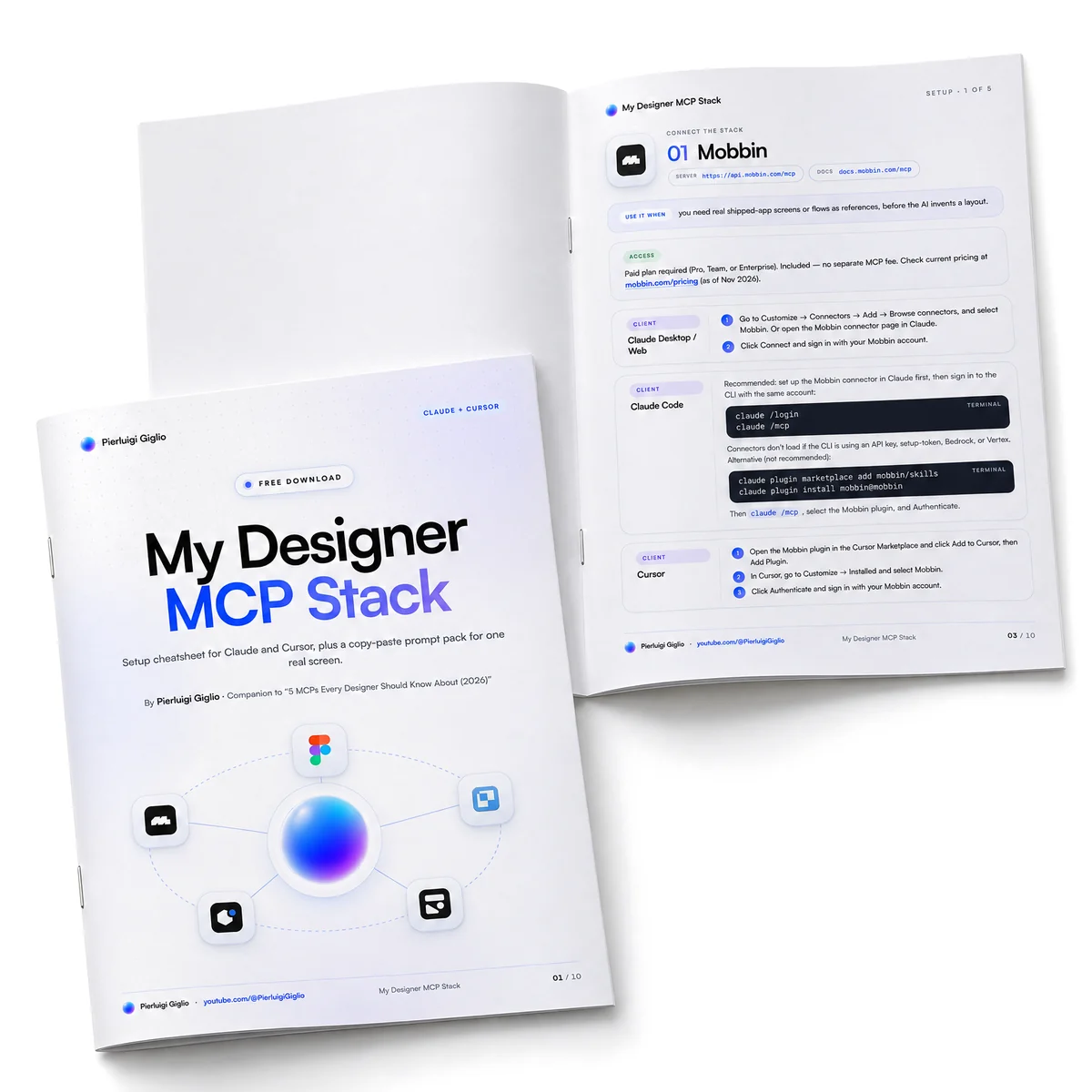
Covers the 5 MCPs from the video
 Mobbin
 UI8
 Figma
 Paper
 Subframe
Everything you need to give your AI real design inputs, instead of letting it invent a generic layout.
A one-page map of what each MCP is for, how to use the pack, and what to check before you start.
Step-by-step setup for every MCP in Claude Desktop and web, Claude Code and Cursor, with server URLs and access notes as of Nov 2026.
Prompts to run in order on the same B2B SaaS settings or onboarding screen. Replace anything in [brackets] and go.
Instructions for each client, side by side.
Use the form on this page. It’s free.
Open the email and tap Confirm and download.
The download starts right away. Keep the email to grab it again later.
Yes. Confirm your email and the PDF downloads. If I email you again later, every email has a one-click unsubscribe link.
Some of them, yes. Access differs per tool (for example, Mobbin’s MCP needs a paid plan). The cheatsheet lists the access notes for each one as of Nov 2026, so always check the tool’s own pricing page before you buy.
Claude Desktop and web, Claude Code, and Cursor, with the steps for each side by side.
Check Spam or Promotions and give it a couple of minutes. Still nothing? Sign up again and double-check the address.
Set up the five MCPs from the video, and give your AI real design inputs.